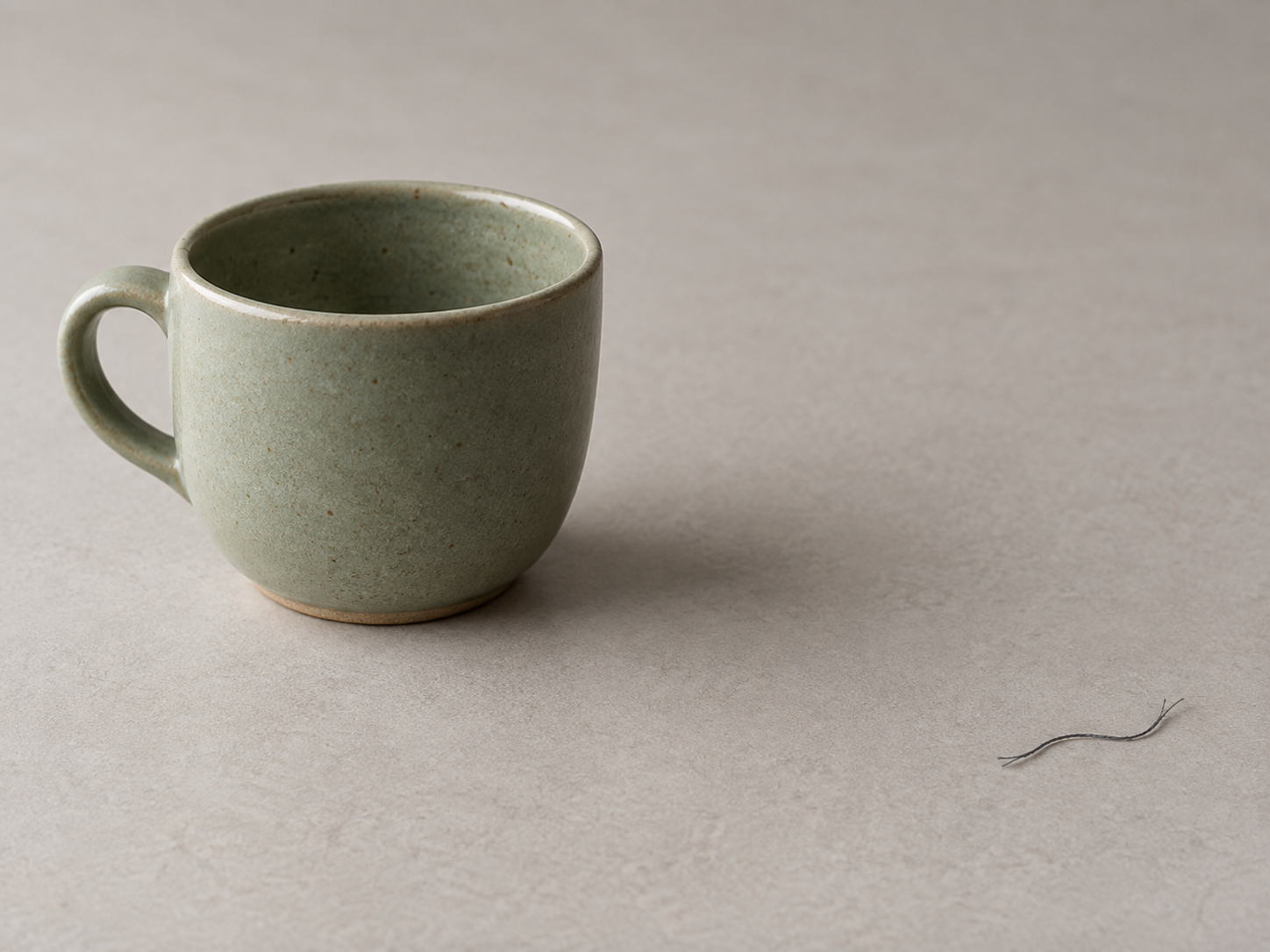
Remove a small background figure
Start with a small figure on a simple background and include its shadow. Large figures or complex occlusion may leave artifacts.
Open toolErase Cat
Remove small distractions from your photos. Brush over an unwanted detail, let AI fill the area, then check the result before saving.
Processed on your device · No photo upload · No signup
First use downloads the editing model. Processing time depends on your browser, device and image.
Loading the selected image…
Open a JPG, PNG or WebP on your device.
Cover the object and its edges. Simple backgrounds work best.
Check the repair up close. Keep your original so you can reopen it for another attempt.
Choose a task, read the tip and open the matching tool. Start with a small area and inspect the finished image.
All cleanup guidesStart with a small figure on a simple background and include its shadow. Large figures or complex occlusion may leave artifacts.
Open toolTry a small target on a sky, wall or tabletop. Cover its edges and check whether the repaired texture is continuous.
Open toolOnly edit marks you have the right to alter. Cover the letters and a small margin. Fill cannot recover hidden factual detail; inspect the result.
Open toolHide private details, remove a background or prepare an ID photo. The image processing stays in your browser.
Box faces, phone numbers or addresses and hide them with mosaic or blur — all in your browser, nothing uploaded.
Cut out the subject and remove the background — transparent PNG. 100% in-browser, nothing uploaded.
AI cuts out the subject, swaps to a white/blue/red background and crops to standard ID, passport and visa sizes. 100% in-browser, nothing uploaded.
Not available yet: Image Upscaler · Photo Restore
Undo removes brush strokes before you apply an erase. To start over after erasing, reopen the original photo. Keep your original until you are happy with the result.
The photo editing runs locally in your browser. Your photo is not sent to a server for processing.
Start with a small object against a simple background, such as a plain wall or sky. Repeated patterns, large areas and subject edges can leave visible artifacts. Inspect the result before using it.
No account is needed. You can edit and download for free. The AI tools download a model when first used; loading and processing depend on your connection and device.
Only edit photos and marks you have the right to alter. Cover the text and a small margin around it, then inspect the repaired area. Do not remove another person's copyright mark or protected label.